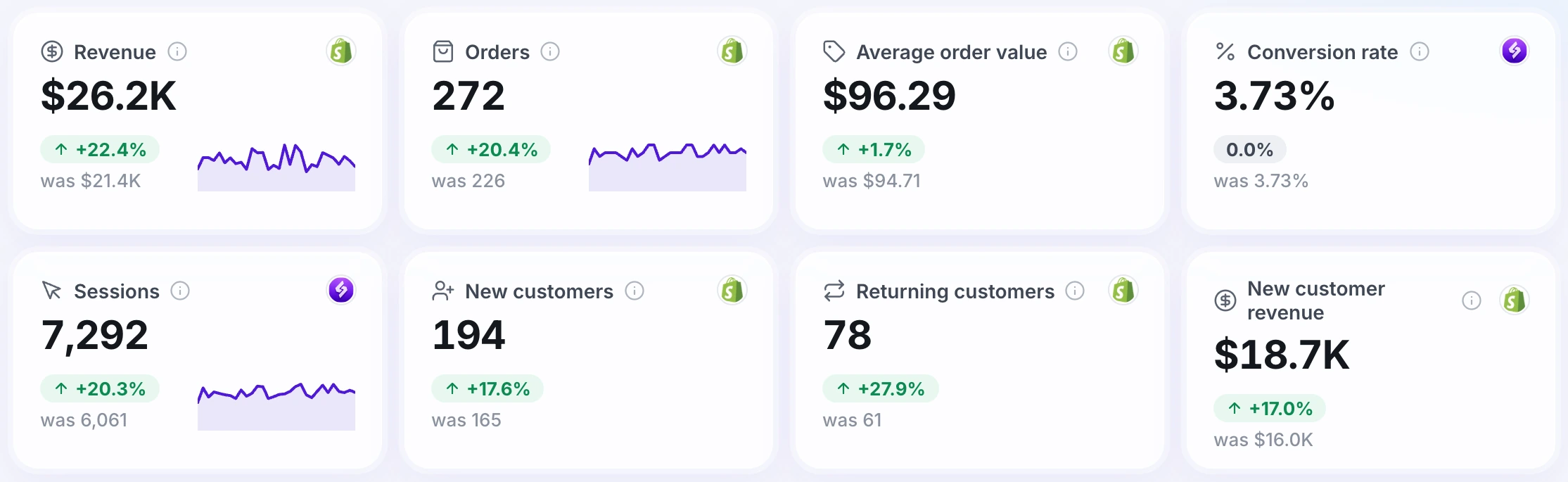
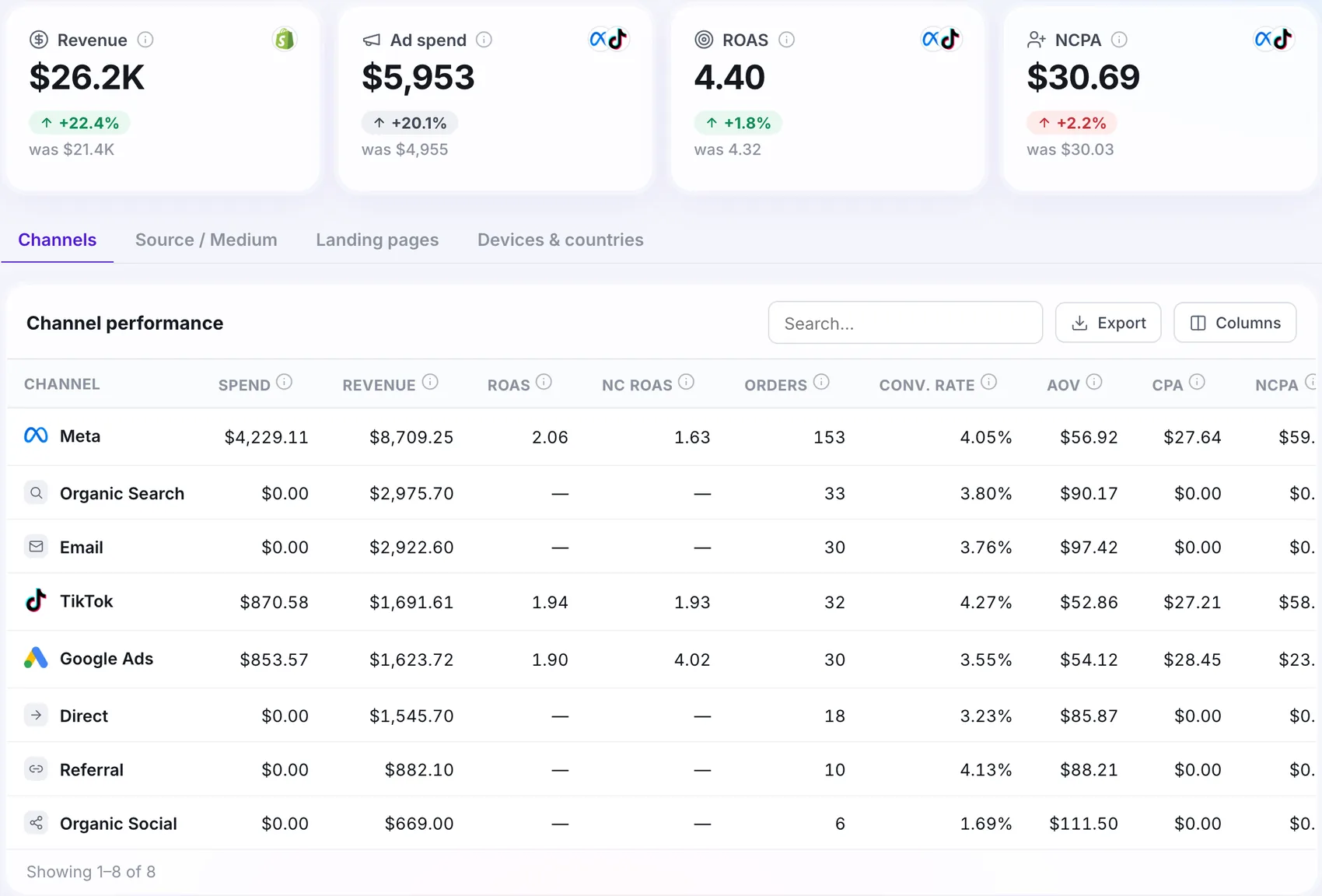
Tracking that ad blockers can't touch
Events leave your own server, on your own domain, so blockers and browser limits stop hiding your orders from Meta, Google Ads, TikTok and GA4.
Free plan available. No card needed to start.
Works with your stack










See what you are missing
How much is your tracking missing?
Put in your own numbers. This is an estimate, not a promise.
Most stores do not know this number. Start with 20% and compare it with the orders in your store.
That is the signal Meta and Google are missing when they decide who to show your ads to. Server-side tracking sends it back.
How it works
Visitor buys
A visit and a purchase happen on your store.
Your tracking domain
The event goes to a subdomain of your own site, not to a third-party script.
Ad platforms
Meta, Google Ads, TikTok and GA4 receive it from the server.
Why use conversion recovery
Your own domain
Events look like part of your site, not a third-party script.
Durable cookies
Cookie Keeper sets first-party cookies from your server for visitors on Safari.
Better match quality
Stored identifiers go back into later events, so returning visitors still match.
Bots filtered
Bot Detection marks or blocks bot traffic before it reaches your reports.
Step by step
Add your tracking domain
Choose a subdomain of your site and add the DNS records Open Tracked gives you.
Run the Setup Wizard
Authorise Google Tag Manager, add the pixel and the conversion tags, turn on server-side tracking.
Send from both sides
Browser and server events share an event ID, so each sale is counted once.
Check the score
The tracking score lists what is missing and which power-up fixes it.
What you need to get started
A website
- Any site where you can add a Tag Manager container
- Shopify, WooCommerce, WordPress, BigCommerce, Wix, Squarespace, Webflow or custom
Access and accounts
- Your DNS, to add one subdomain
- Your ad accounts: Meta, Google Ads, TikTok, GA4
Built for your needs
Stores that spend on ads
- See fewer purchases in Meta or Google Ads than in your order list
- Want cookies that last in Safari
- Need better event match quality
Agencies and freelancers
- Manage several clients in one account
- Share a container per client
- Show the tracking score as proof
At a glance
Quick answers
Do I need to know Google Tag Manager?
The Setup Wizard downloads ready files for your web and server containers, so most stores can finish without writing tags by hand.
Does it work on any website?
Yes. It works on Shopify, WooCommerce, WordPress, BigCommerce, Wix, Squarespace, Webflow and custom sites, anywhere you can add a Tag Manager container.
What does it cost?
The Free plan covers 15,000 requests a month per container. Paid hosting plans scale from 500,000 to 20 million requests a month, and a custom plan is available above that.
 Platform · 4 min read